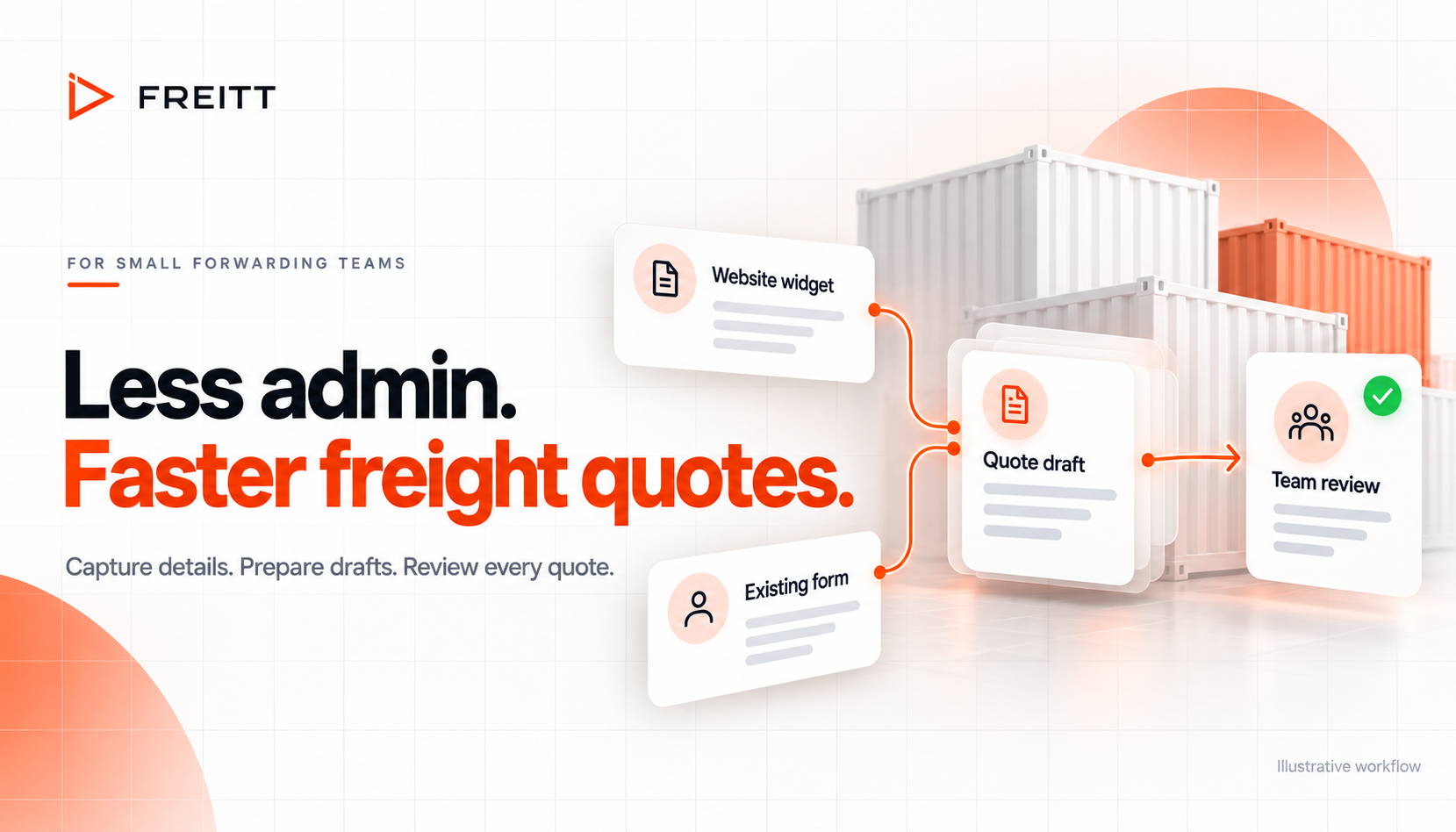
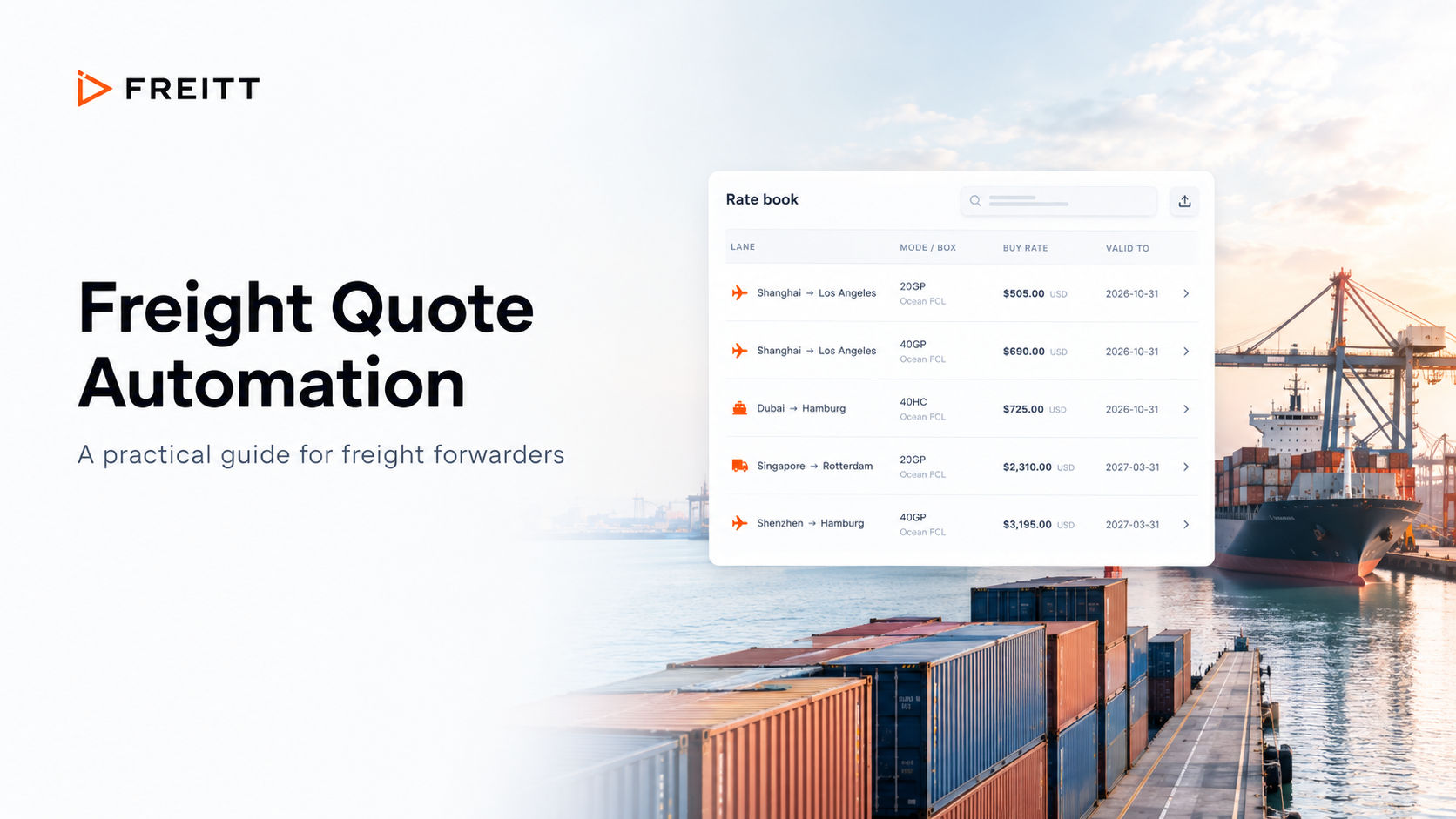
A freight quote can lose an hour before anyone starts pricing it. The enquiry lands in a shared inbox, someone checks which service the customer needs, and another person copies the details into the quoting system. A missing destination postcode brings the whole thing back to email.
For a small or medium-sized forwarding team, those steps compete with live shipments, carrier calls and customer updates. Saving a few minutes on each request can make room to answer more of the enquiries already arriving.
Freitt’s October 2026 product update adds a website quote widget, a webhook for existing forms and a dedicated CRM. Together, they address three sources of delay: collecting shipment details, moving them into quote preparation and keeping the next action visible. Your team still checks and sends every quote.
Key takeaways
A website widget can collect useful shipment context before the first email exchange.
A webhook can connect an existing form to Freitt, reducing manual transfers.
The CRM helps colleagues see quote progress without reconstructing an email thread.
Measure staff handling time and customer response time separately; reducing one does not guarantee the same reduction in the other.
Where quoting time actually goes
Think about the work around a straightforward rate request. Someone reads it, identifies the lane and service, checks whether enough information is present, and passes it to the person who can price it. Later, a colleague may ask whether the quote has gone out.
Each task looks small. Together, they create repeated interruptions. The person who checks an inbox between carrier calls may return to the same request three times before it is ready for pricing.
That gives you two different clocks to watch. Handling time is the number of minutes staff spend working on an enquiry. Response time runs from the customer’s submission to the quote they receive. A request may need only ten minutes of work yet wait several hours between steps.
Repeated copying also gives the team more places to check when something differs. If a destination changes in an email but the quoting tool still shows the original, someone has to establish which version to use. Reducing transfers can reduce that checking work, provided the team also records later changes clearly.
A clearer intake process can reduce some handling time. A visible queue and clear responsibility can reduce waiting. Both matter when assessing whether a change has helped.
The website widget gives quoting a better starting point
Freitt’s widget lets visitors request a quote while they are on your website. It collects the transport mode and route; land requests also distinguish between full, part and shared truck services.
Those choices can prevent an avoidable opening exchange. If a customer identifies a full truck movement at submission, your colleague can start with that context rather than reply to ask which service they need.
The value is in what happens next. The request reaches Review, where Freitt prepares a draft using your rate book. Your team checks the shipment information, pricing and proposed response before sending.
For a smaller desk, that can remove a transfer between the website enquiry and quote preparation. The person responsible for pricing has a request to review, with less information to carry across by hand.
You will still need to clarify incomplete or ambiguous details. A customer may know the route but be unsure about collection requirements. Treat the submitted information as a useful starting point and check it against the service you are offering.
Keep the customer’s effort in mind, too. Review the questions your desk asks most often after an enquiry arrives. Those recurring gaps are a useful guide to whether your intake process collects enough information. A form that is easy to complete still needs to give the quoting team something it can act on.
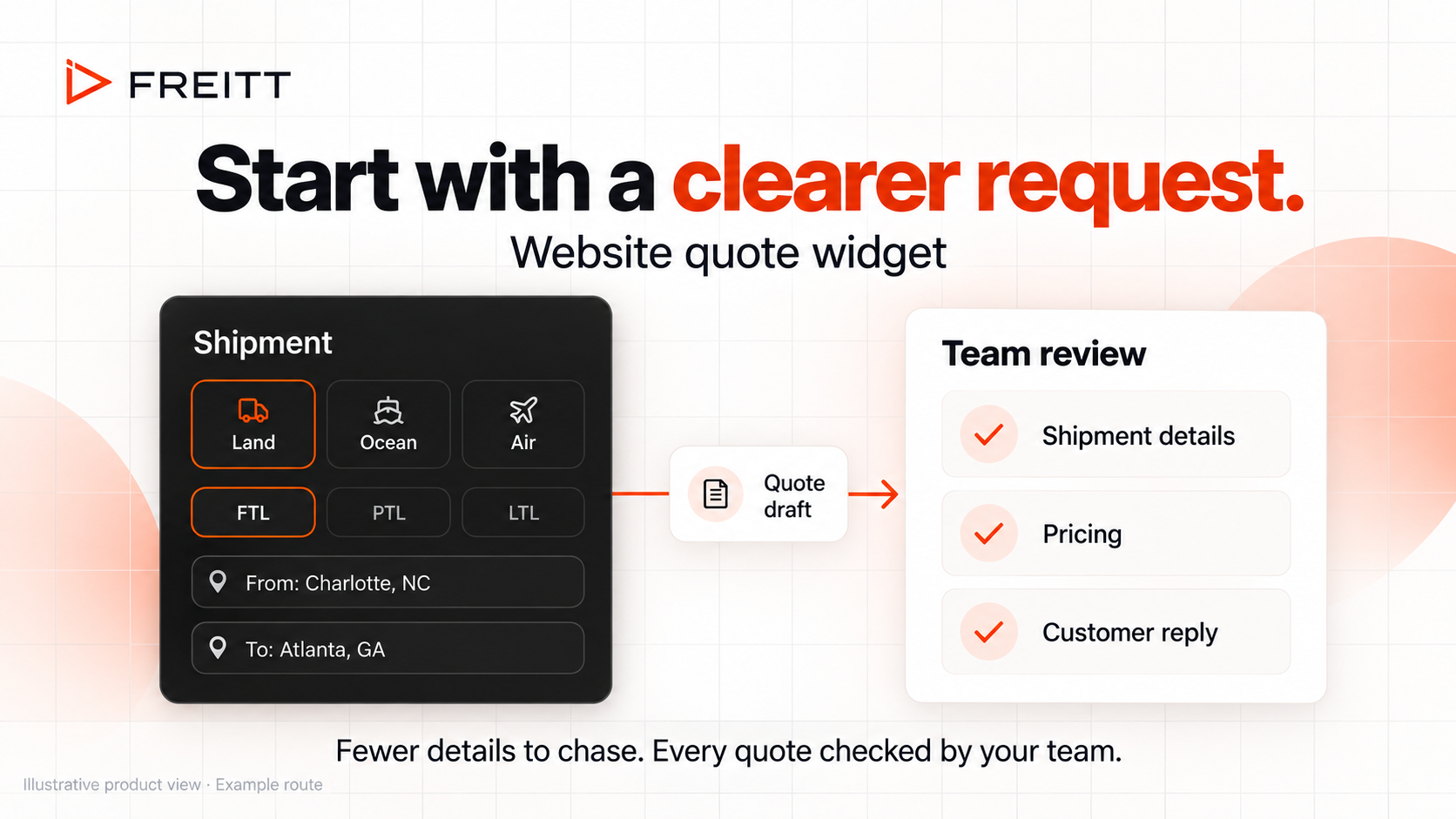
A clearer shipment request gives the team a better starting point for review. Illustrative product view with an example route.
The webhook keeps your existing form useful
Many forwarders already have a form that suits their customers. It may sit on a service page, support a particular trade lane or use terminology familiar to regular shippers. Replacing it creates extra work when the real problem is the manual transfer after submission.
A webhook passes a submission to another system when the customer sends it. Freitt’s connection accepts compatible JSON or form posts and lets an existing form feed the quote review process. Include the customer’s email address so the draft has the right recipient.
This changes the handoff. Instead of opening a form notification and copying its contents into the next tool, your team can work from the submission inside Freitt.
The release names Webflow, Tally, Jotform and Zapier as possible tools for a compatible connection. Test the form you actually use: confirm the submitted route, service and contact details arrive as expected. A working connection depends on the request your form sends.
Use the widget when you need a quote request form on your site. Use the webhook when you already have a form worth keeping. They offer alternative entry points into the quoting work.
Follow one request through the desk
Consider an illustrative full truck enquiry from Charlotte to Atlanta. In a manual process, a colleague reads the form notification, confirms the service, copies the shipment details into a quoting tool and tells the pricing colleague that a new request is waiting.
With Freitt’s widget, the customer can identify the land service and route at the start. With a connected existing form, the webhook carries the submission into Freitt. In either case, your team moves on to reviewing the prepared draft.
The pricing colleague still needs to decide whether the request and draft are sound. Are the collection and delivery requirements clear? Does the rate cover the requested service? Are the charges and validity suitable? Those checks deserve attention even when intake becomes faster.
Now consider a second colleague taking over later in the day. They need to know whether the request is awaiting approval, whether the customer has received a quote or whether a follow-up is due. That is where the CRM supports the time saved at intake.
The CRM reduces the search for the next action
Freitt’s Deals board shows enquiries by quote stage, alongside customer and shipment context. It gives the team a shared place to look when deciding what needs attention.
Agree what each stage means in your operation. A quote awaiting approval needs someone to check it. A sent quote needs a decision about follow-up. A confirmed customer response needs its outcome recorded.
That discipline matters when the same people alternate between sales and operations. A colleague should be able to understand the next task without asking the person who last touched the enquiry.
Someone still has to own that task. Build a short queue review into the day and decide who covers enquiries when the usual person is handling a shipment problem.
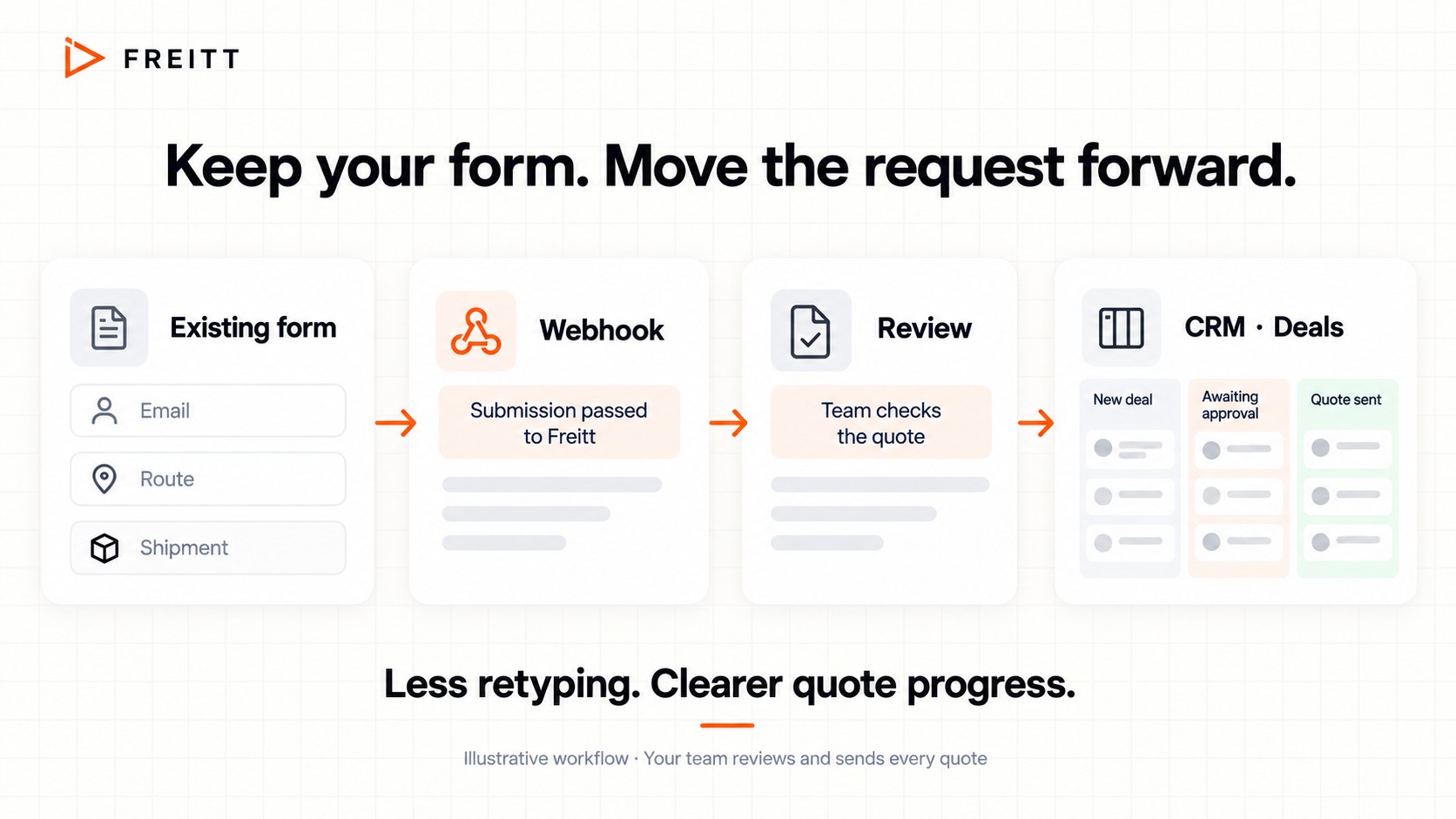
An existing form can feed quote preparation through a webhook, with progress tracked in Deals. Illustrative workflow; your team reviews and sends the quote.
What a few minutes saved could mean
Here is a planning example, not a measured Freitt result. Suppose your team handles 15 relevant website enquiries a day and saves four minutes per enquiry by reducing retyping and status checking.
15 enquiries × 4 minutes = 60 minutes of staff time per day. Across five working days, that is five hours.
The assumption needs testing on your desk. Some requests will still need carrier enquiries or several clarification messages. Others may already be quick to process. Track a comparable group of requests before and after connecting the form.
Also check submission-to-quote response time. An hour of staff time recovered across the day will have limited effect on customer waiting if prepared drafts remain unreviewed until closing.
For each sampled request, record when it arrived, when the draft was ready, when review began and when the quote was sent. Add a simple tally of staff minutes spent. You can then see whether the main delay sits in collecting details, preparing the quote or waiting for a reviewer.
Start with one form and check the whole journey
Choose one common enquiry type for the first rollout. Open Settings → Website & forms to find the widget embed snippet or webhook connection details. Give one colleague responsibility for checking the incoming requests.
Submit a realistic test enquiry and follow it through to Review. Confirm the customer’s email, route and service, inspect the draft, and check that the team can track the enquiry in Deals. The settings-page widget creates a real request, so use a test contact you control.
After launch, record handling time, response time and the number of clarification messages for that enquiry type. Keep a note of requests that needed an outside rate or unusual approval, so they do not obscure where the process changed.
Review the results with the people doing the quoting. If the form saves retyping but creates repeated questions about one field, fix that part before expanding to more pages. If drafts wait for approval, address coverage at the review stage. To see the process with your own rate sheet, book a Freitt demo.
Frequently asked questions
Does the widget give customers an instant freight price?
The update describes a request-and-review process. Submitted details enter Freitt’s quote preparation workflow, and your team checks and sends the quote. Customers do not receive an automatically approved price from the widget.
Do we need both the widget and the webhook?
Choose the route that fits your website. The widget provides a quote request form; the webhook connects an existing compatible form. You may use different routes on different pages if that serves your customers.
How much quoting time will we save?
The release provides no measured time-saving figure. Savings depend on your current process, enquiry quality, available rates and review workload. Measure a comparable set of requests to establish your own result.
What happens if we replace a connection key?
The widget and webhook have separate keys. Replacing one invalidates its old URL or embed snippet. Update the corresponding website connection and test a submission afterwards.